
You can manage your studio settings anytime, just like you would in any other online product.
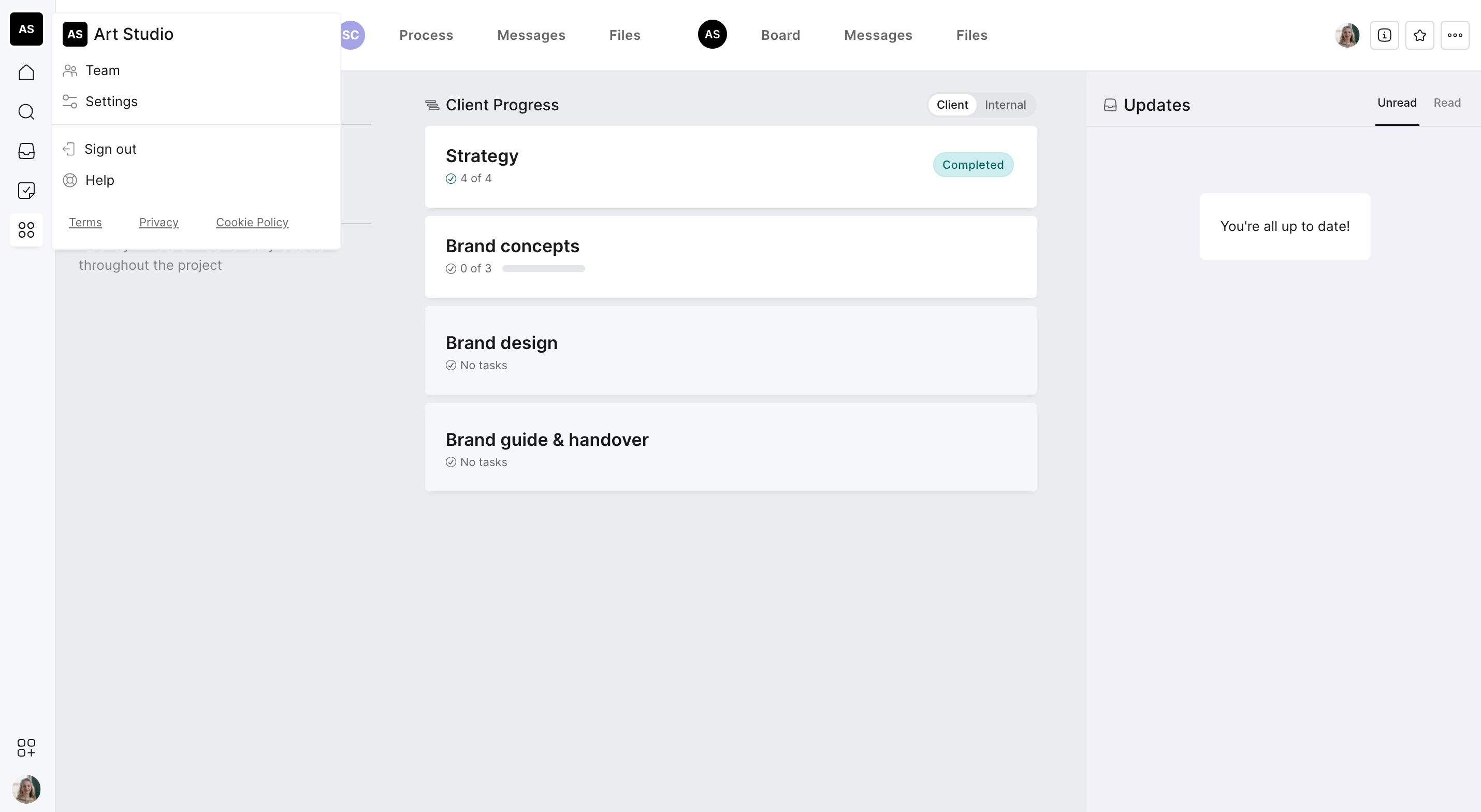
Step 1: Open Studio Settings
Click your studio avatar in the top left corner of Outlign.
This will open your studio menu, where you can manage everything related to your account and workspace.
Step 2: Make Updates
From here, you can update or manage:
Studio icon – upload your logo or give your studio a new look.
Team members – invite new teammates or edit existing ones.
Billing details – update your plan or payment info.
Studio name – rename your workspace anytime.
Email address – change the email linked to your account.
Password – set a new password for security.