
Changing your password is easy peasy.
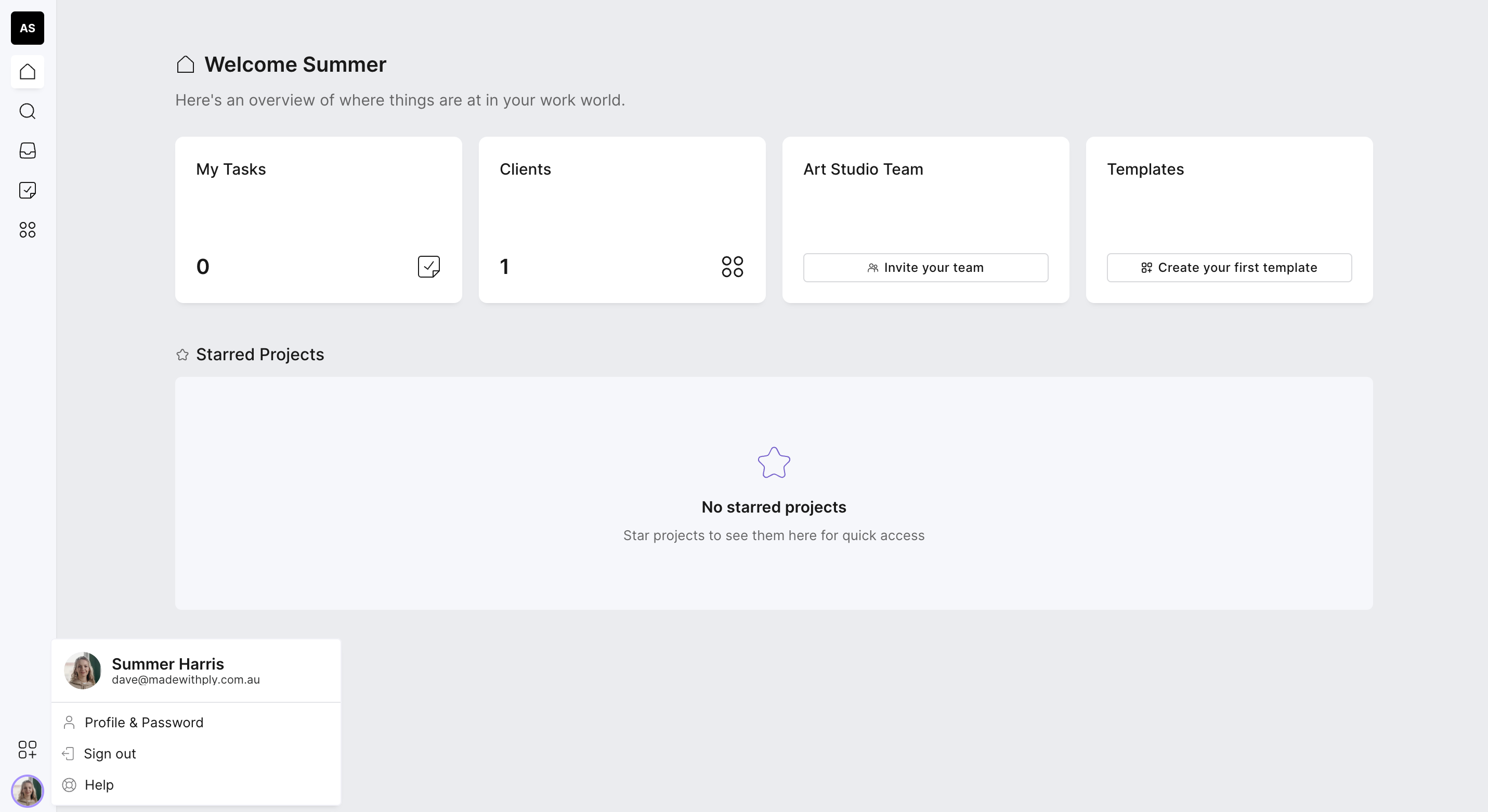
Head to your lefthand menu and select your avatar
A menu will appear, select 'profile & password'
Head to the 'change password' under my profile
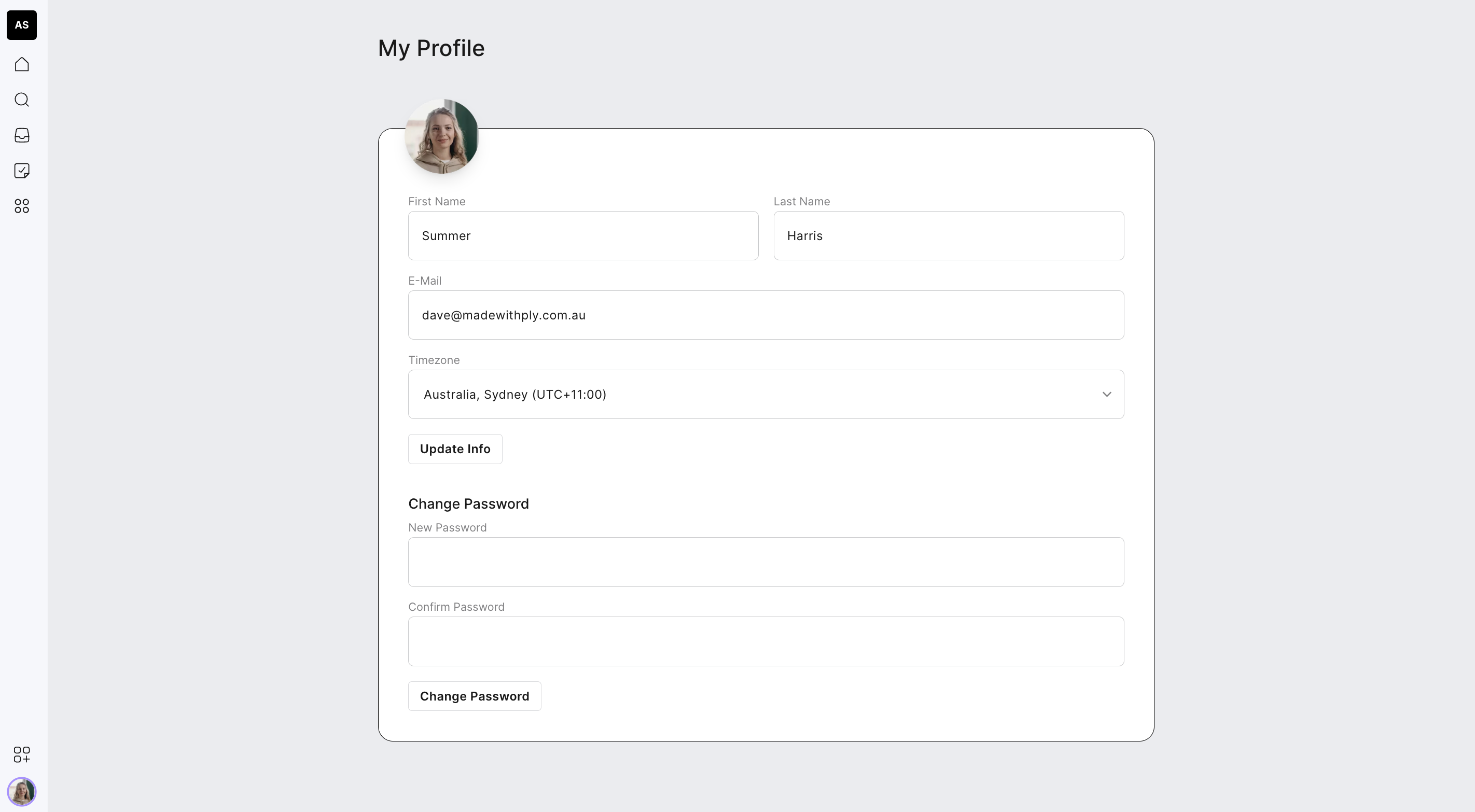
Enter your new password and then confirm it and tadah, it's sorted!