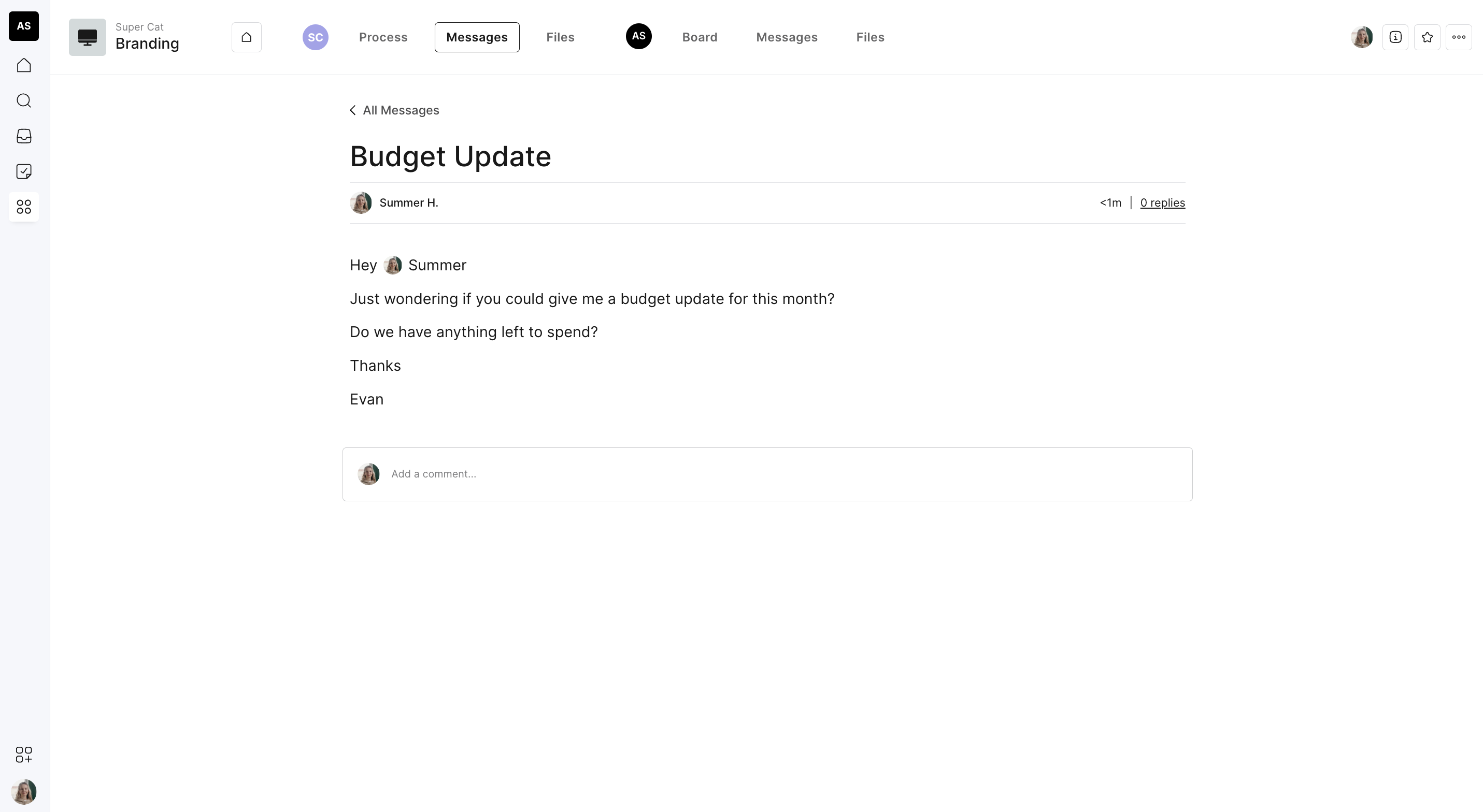
About messages
Messages can be seen on the project dashboard. They are for messages that are not specific to a phase or task (such as introducing a new team member or chatting invoices). These random comms live under the message board as they don't specifically relate to a phase or task in your journey and it keeps things off email!
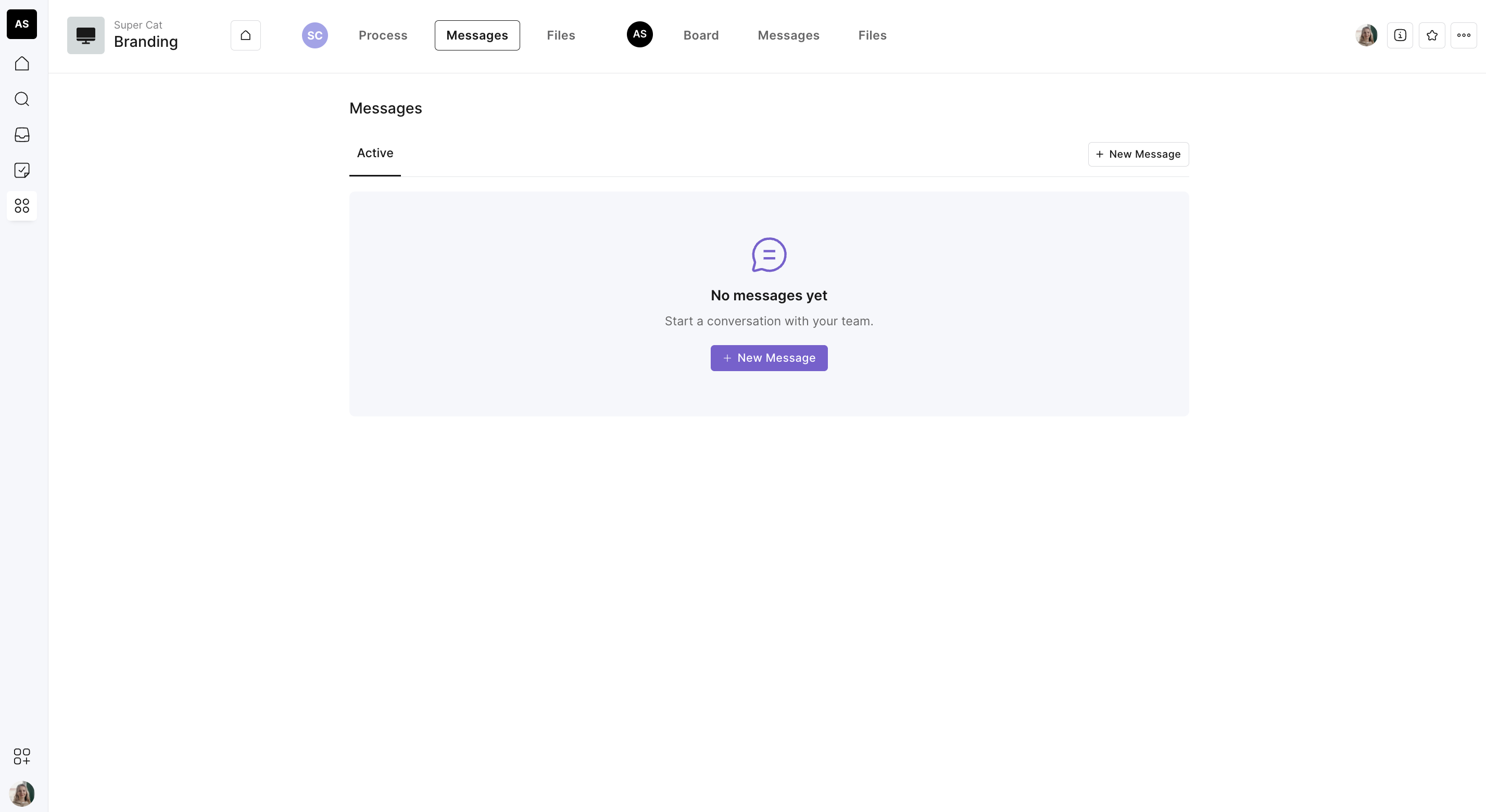
Send a message
Hit 'New Message
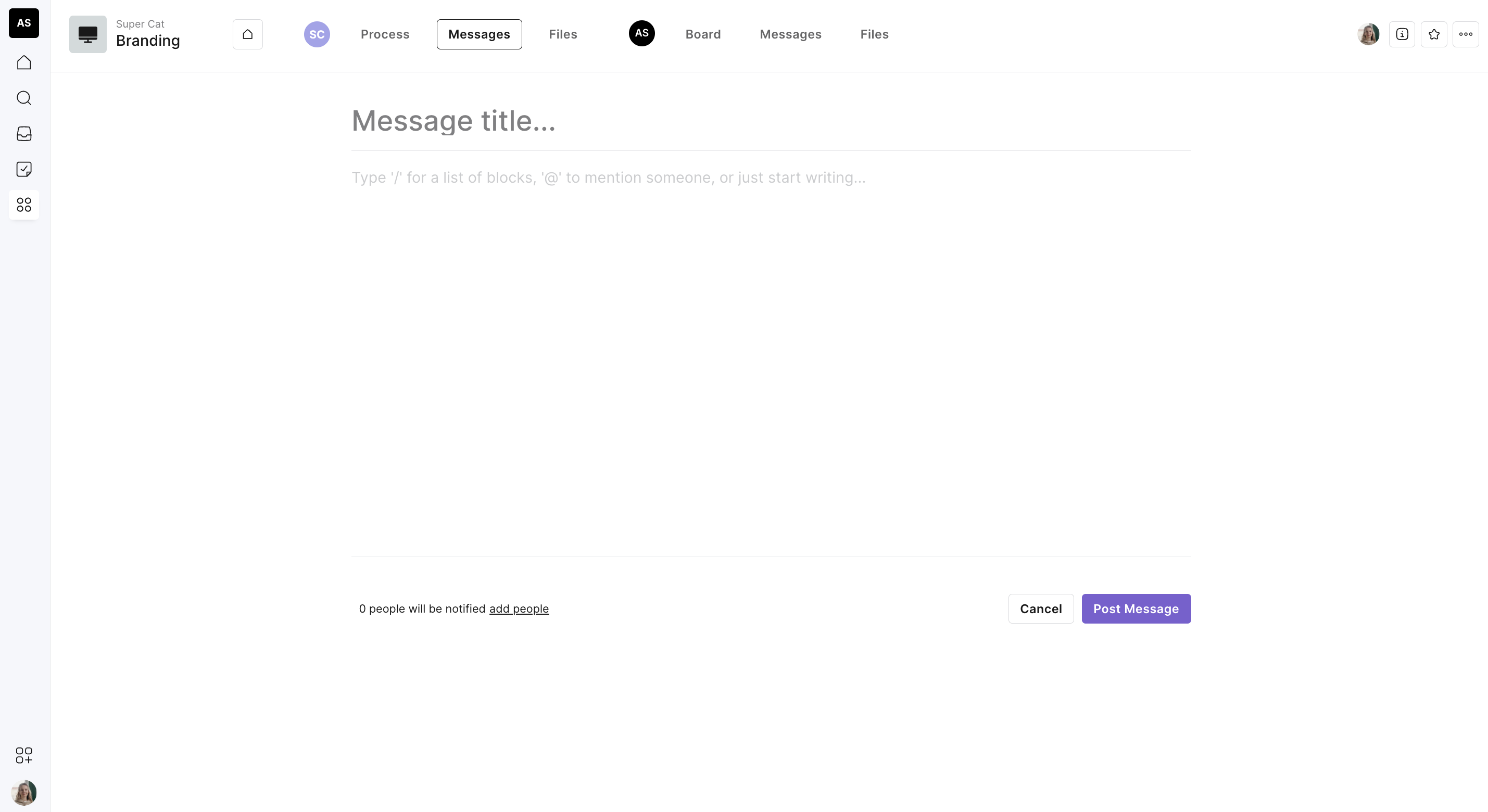
Give your message an explanatory title
Fill out the text editor and add any relevant files
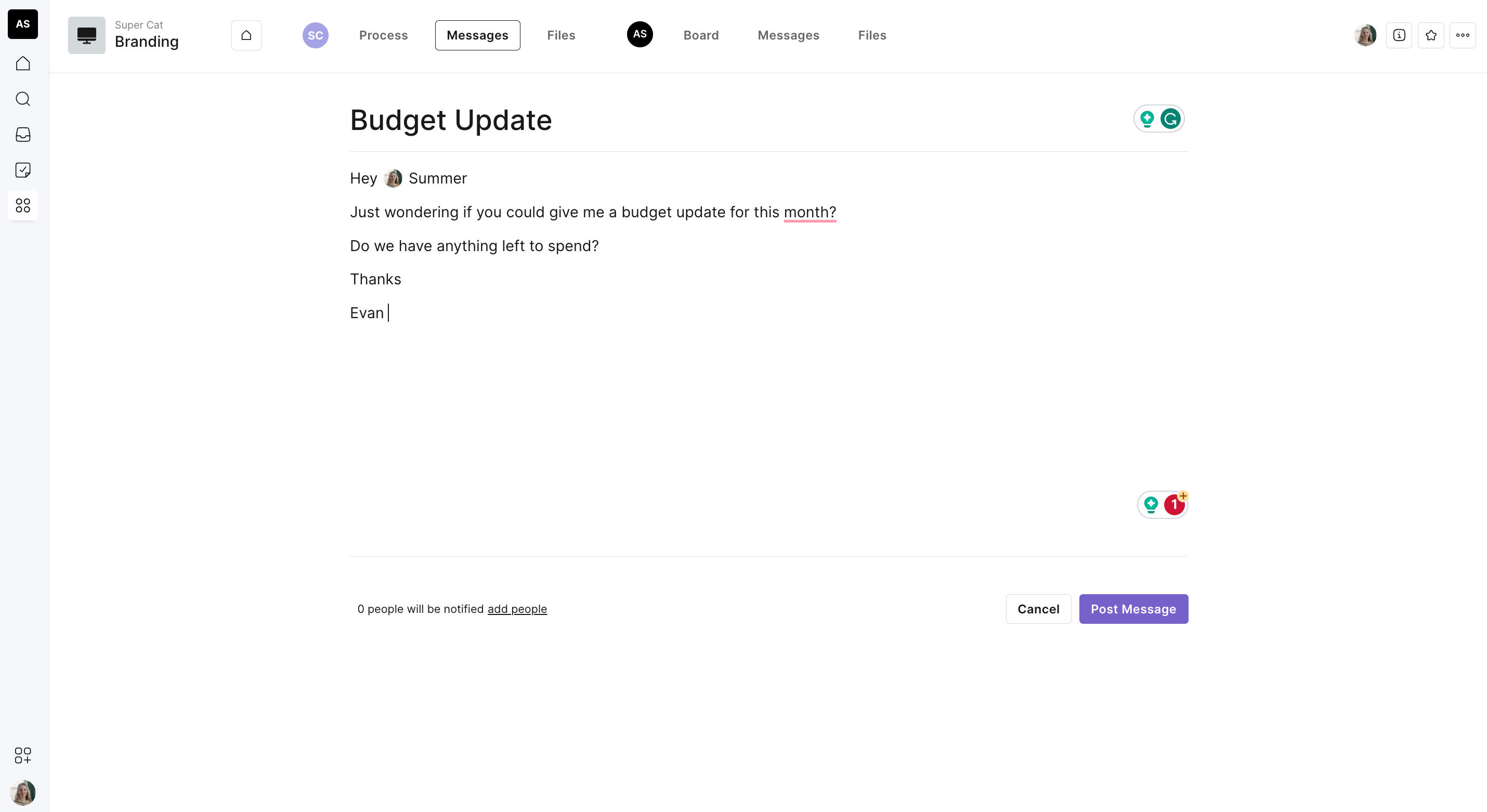
Check the right people will be notified (hit 'edit' to change who is notified)
Hit 'post message' and your message will be sent to all recipients