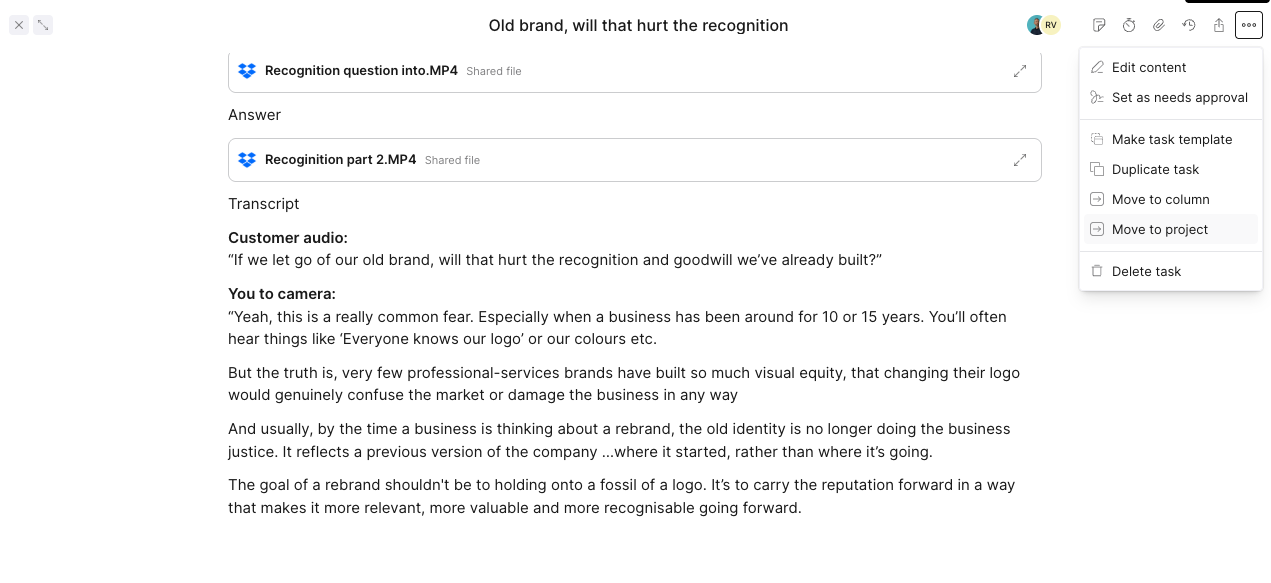
Open the task you want to move, then click the three-dot menu in the top right. Select Move to project.
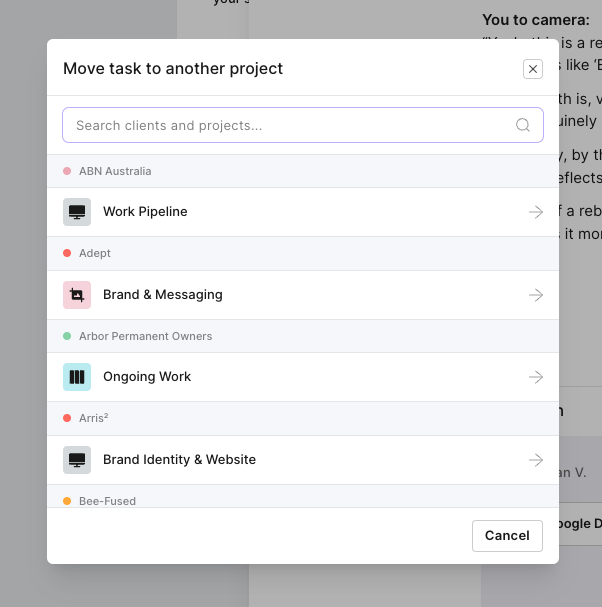
Search for the destination or scroll through the list, then select the project you want to move the task to. Follow any remaining prompts to complete the move.