Hey, nice work on making your first steps towards less project management and going deep on a repeatable process for your agency team.
Outlign has some familiar project management ideas and some brand-new ways of doing things. This is a short guide to help you and your team understand what Outlign is and how to get the best out of it.
Outlign helps you launch two types of projects depending on what you need to do. For any project that follows a process that you will be working with clients on, you'll select a process project. For work that does not follow a methodical process, launch a task board
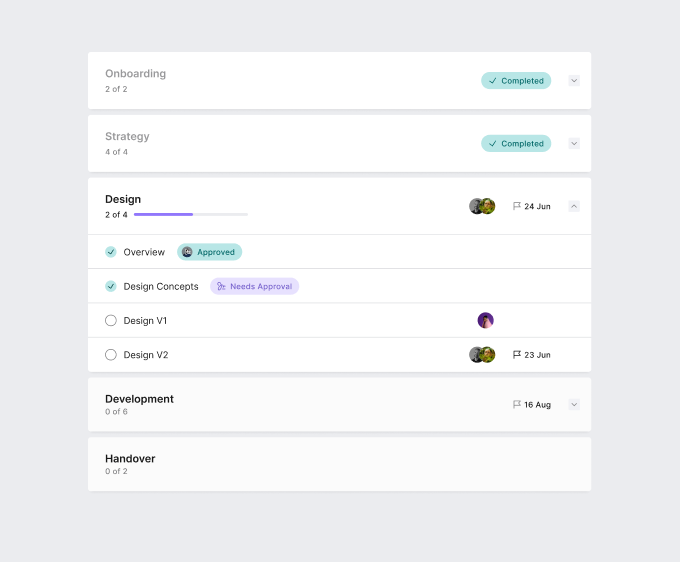
A process project
Phases - These are what we call the major parts of work to be done or milestones
Tasks - These are smaller parts of work that are joined together to make up a phase
A task board project
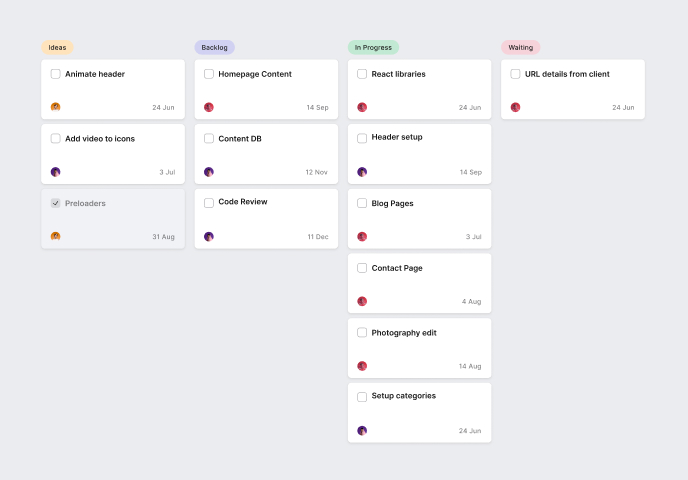
Use a task board to organise work behind the scenes with your team or for a non-process project with your client
Mark these lists as 'internal' projects to avoid confusion
👉 Help in setting up a new process project
👉 Help in setting up a new task project
Create your first client - don't worry the client won't see your account until you invite them
Use a pre-built template to launch super fast
Invite your team to Outlign
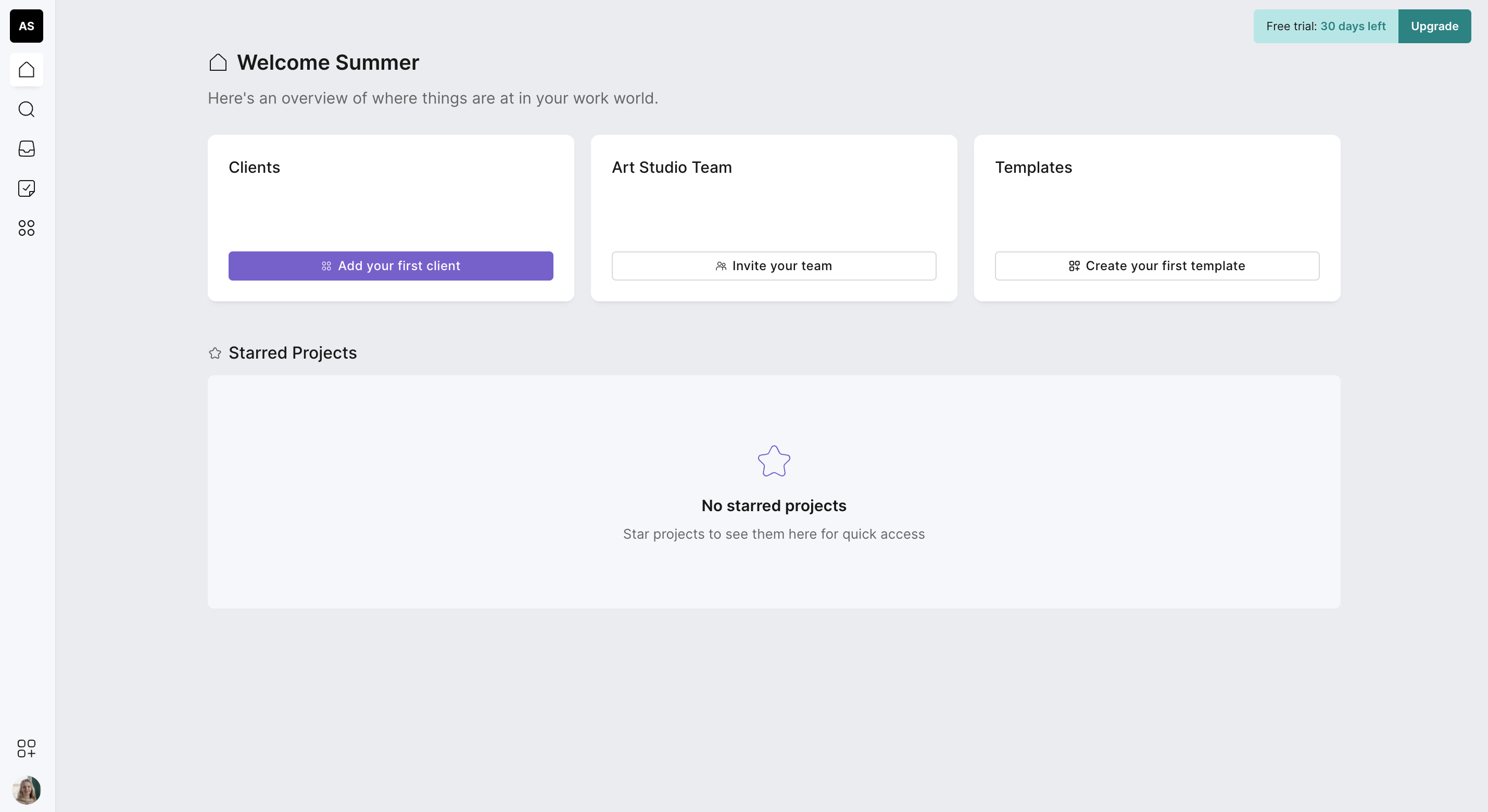
One of the easiest ways to get started is to add your first client and a test project. You don't have to invite a real client, just make one up and then launch a fictitious project. Or better still, if you have an upcoming project that's about to get started, invite one client into your first project and try Outlign out, your client will love the clear process and calm interface!
We've made a series of templates that are based on our own agency's best practise and years of experience. When you launch a template you can edit it to suit your situation, change it as much as you like or use our phases, steps and messages to make your PM life a little bit easier!
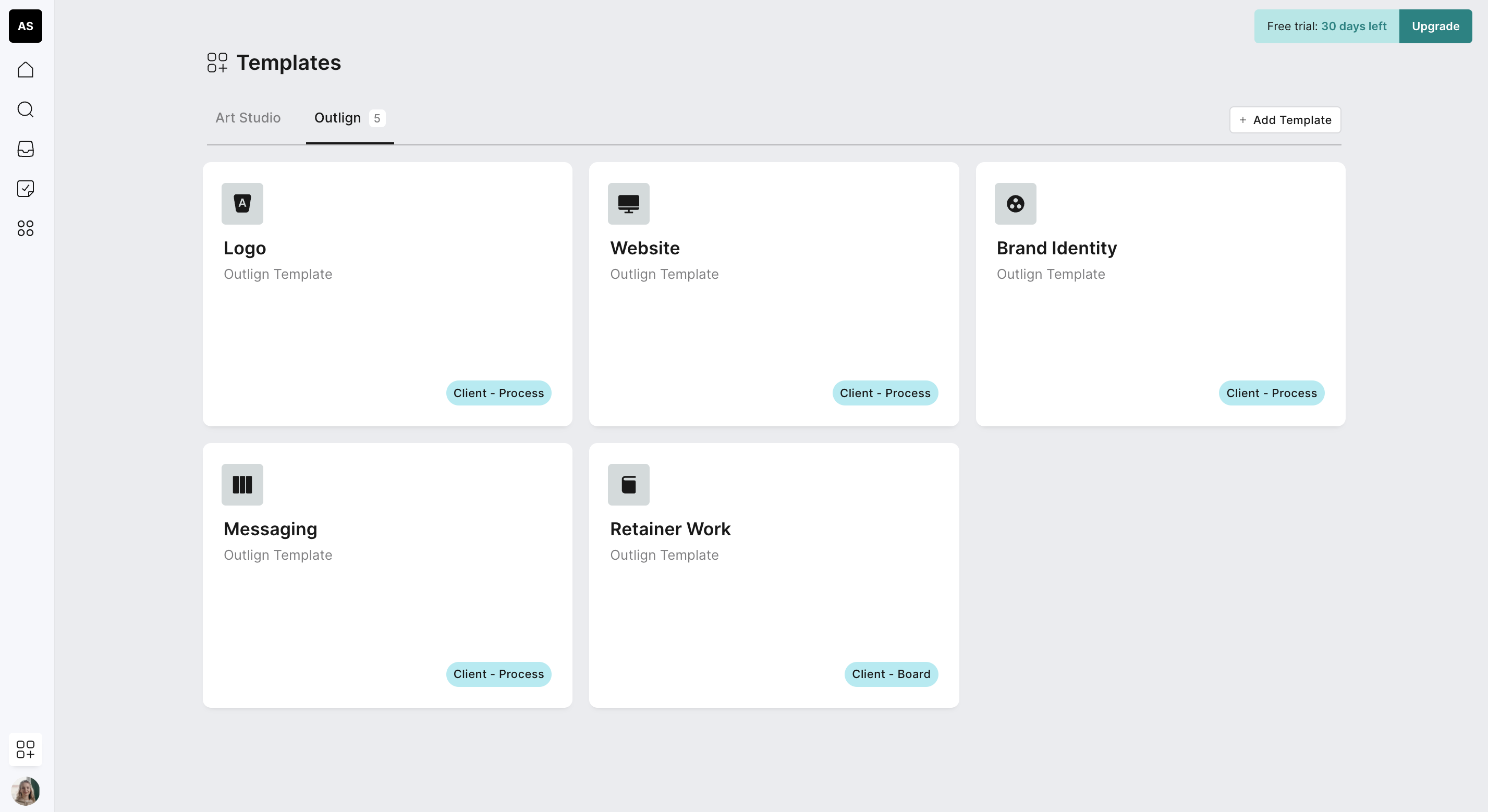
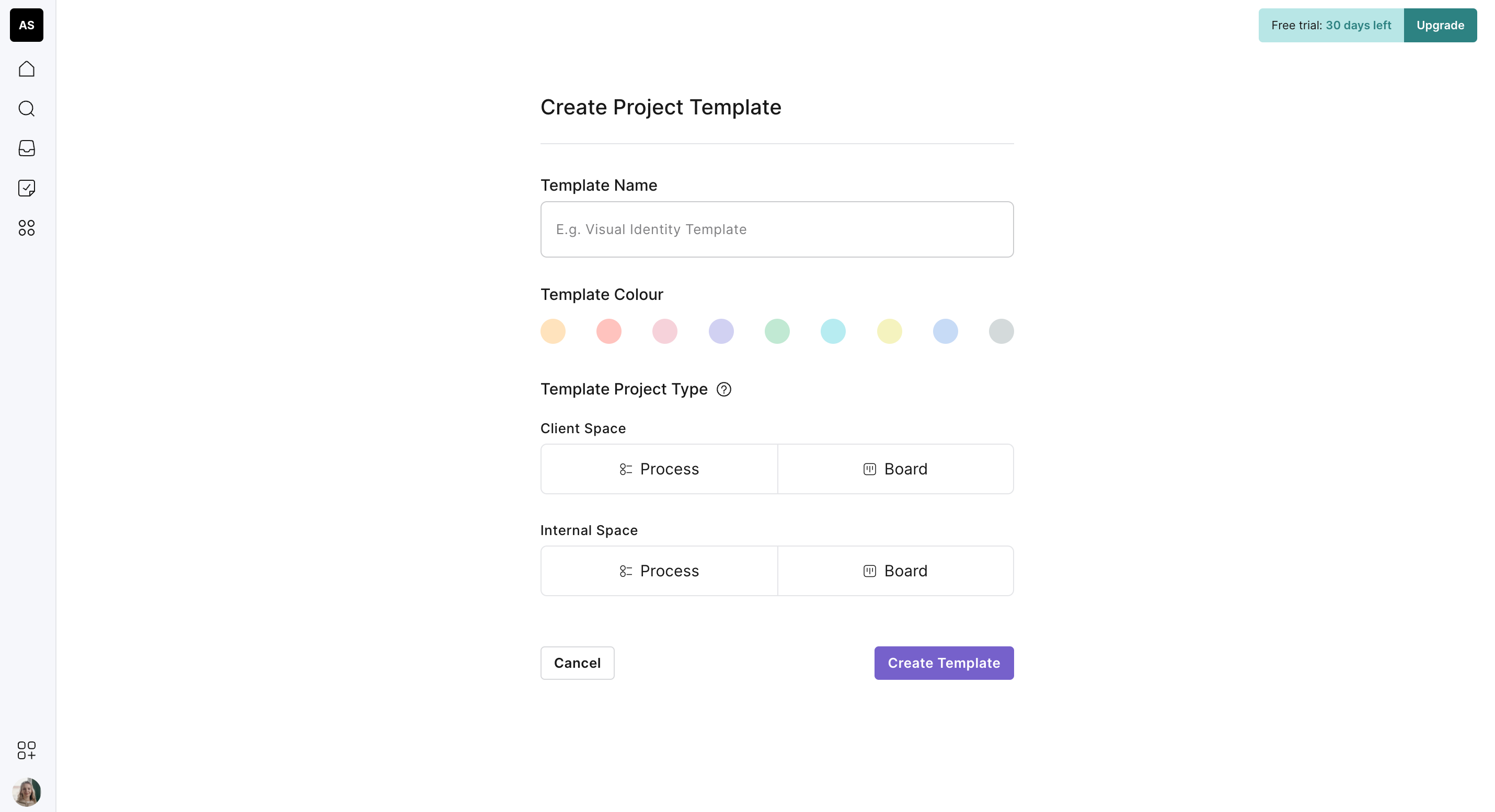
If you are ready to use Outlign to its maximum capacity and start building all of your agency processes so that you can move all of your know-how and smarts into your process workflow, the best way to get started is with the template builder in Outlign.
Ready to start?Login here